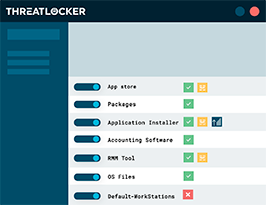
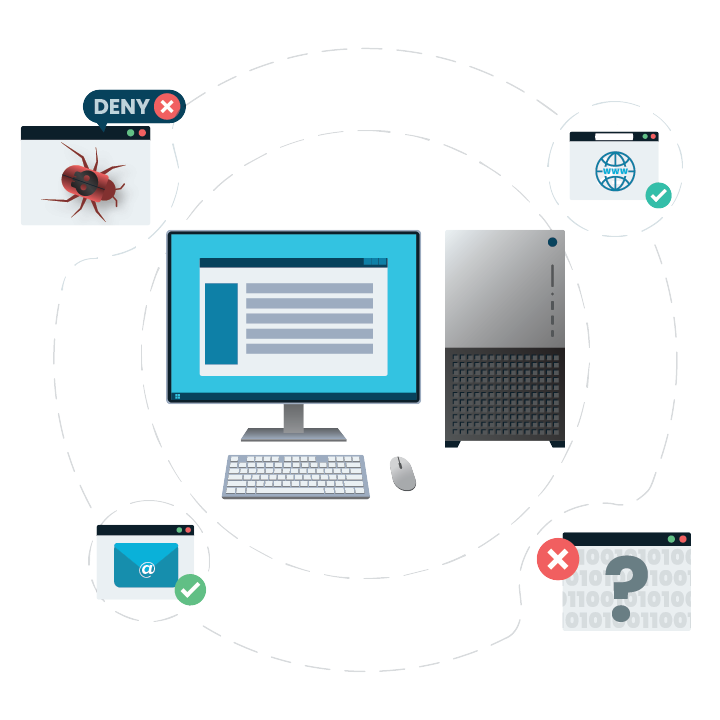
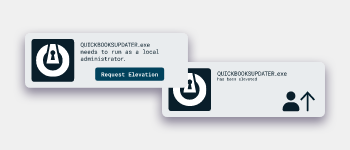
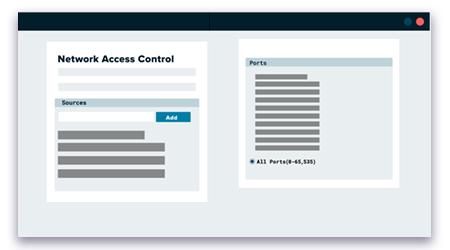
Zero Trust security is a modern approach to cybersecurity that assumes no user, device or service can be trusted by default and requires continuous verification before granting access. Combined with whitelisting — the practice of only allowing authorised applications, processes or IPs to run — Zero Trust helps organisations reduce risk, limit attack surfaces and improve overall security posture. DNA IT Solutions supports Irish businesses in designing and implementing Zero Trust frameworks, including identity and access management, micro-segmentation, least privileged access policies and application whitelisting controls. By enforcing strict access verification and restricting unapproved software, organisations can better defend against breaches, lateral movement and unauthorised access.

1. What is Zero Trust security?
Zero Trust is a security model that assumes no user or system is inherently trusted, requiring continuous authentication and authorisation for all access requests.
2. Why is Zero Trust important?
Zero Trust reduces the risk of breaches by limiting access, enforcing strict identity checks and reducing lateral movement within networks.

3. What is whitelisting?
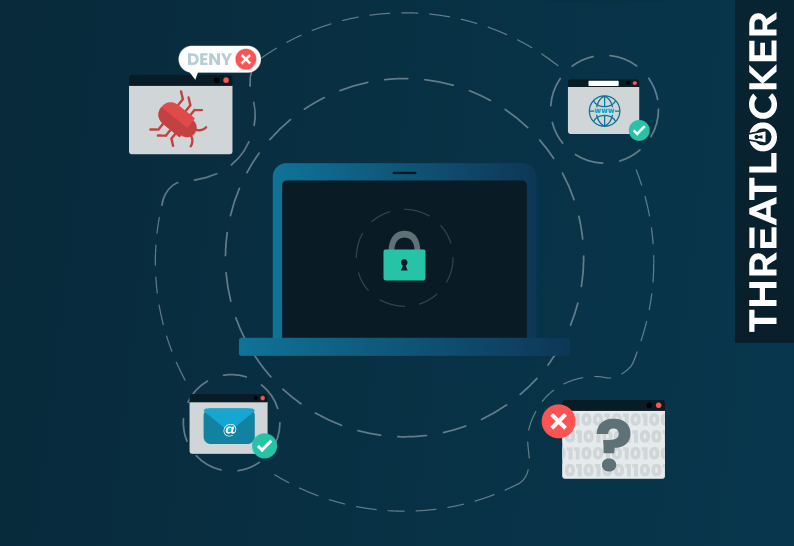
Whitelisting is the practice of only allowing known, approved applications, scripts or IP addresses to run or access systems, blocking everything else by default.
4. How do Zero Trust and whitelisting work together?
Zero Trust establishes the overall security framework, while whitelisting reinforces it by restricting unapproved software and connections.
5. Can whitelisting prevent malware and ransomware?
Yes. By allowing only trusted applications and processes, whitelisting reduces the chance that malicious software can execute or spread across systems.
6. Is Zero Trust only for large enterprises?
No. Zero Trust principles apply to organisations of all sizes and can be tailored to meet resources and risk profiles.
7. Does Zero Trust improve compliance?
Yes. Zero Trust frameworks often align with regulatory requirements by enforcing least-privileged access and strict identity controls.
8. What are common Zero Trust components?
Common components include identity verification, multi-factor authentication, least privileged access, segmentation and continuous monitoring.
9. How does DNA IT help implement Zero Trust and whitelisting?
DNA IT assesses your environment, designs Zero Trust policies, configures whitelisting controls and provides ongoing support and monitoring.
10. How long does it take to implement a Zero Trust framework?
The timeline varies depending on environment complexity, existing controls and business needs, but comprehensive planning and staged rollout are essential for success.
Zero Trust security is a modern approach to cybersecurity that assumes no user, device or service can be trusted by default and requires continuous verification before granting access. Combined with whitelisting — the practice of only allowing authorised applications, processes or IPs to run — Zero Trust helps organisations reduce risk, limit attack surfaces and improve overall security posture. DNA IT Solutions supports Irish businesses in designing and implementing Zero Trust frameworks, including identity and access management, micro-segmentation, least privileged access policies and application whitelisting controls. By enforcing strict access verification and restricting unapproved software, organisations can better defend against breaches, lateral movement and unauthorised access.